Installation of the TOS-Teachbot Software
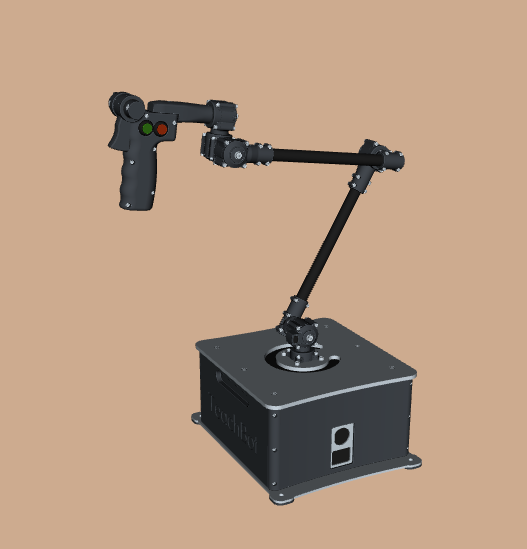
Before you begin, you need to make a clone of the teachbot repository.
Cloning the TOS-Teachbot software
To create the TOS-Teachbot software template, you use a prepared Github clone. You can choose to place this clone under your own Github account (1st option below). After that, you can easily make backups of your work to your own Github account.
Create an account at Github and login to this account
Open the teachbot repository
Make a Fork of the repository to your own Github account by clicking on the Fork icon:
Follow the instructions, but do not change the name of the new repository. Confirm with Create Fork
Now you can create the workspace as follows
mkdir -p ~/teachbot_ws/src
cd ~/teachbot_ws/src
git clone https://github.com/<your_account_name>/teachbot.git
ps. The use of github (such as add, commit & push commands) is outside the scope of this documentation
You can create the workspace as follows
mkdir -p ~/teachbot_ws/src
cd ~/teachbot_ws/src
git clone https://github.com/AvansMechatronica/teachbot.git
Building the TOS Teacbot workspace
# Build the workspace
cd ~/teachbot_ws
colcon build --symlink-install
source install/setup.bash